


















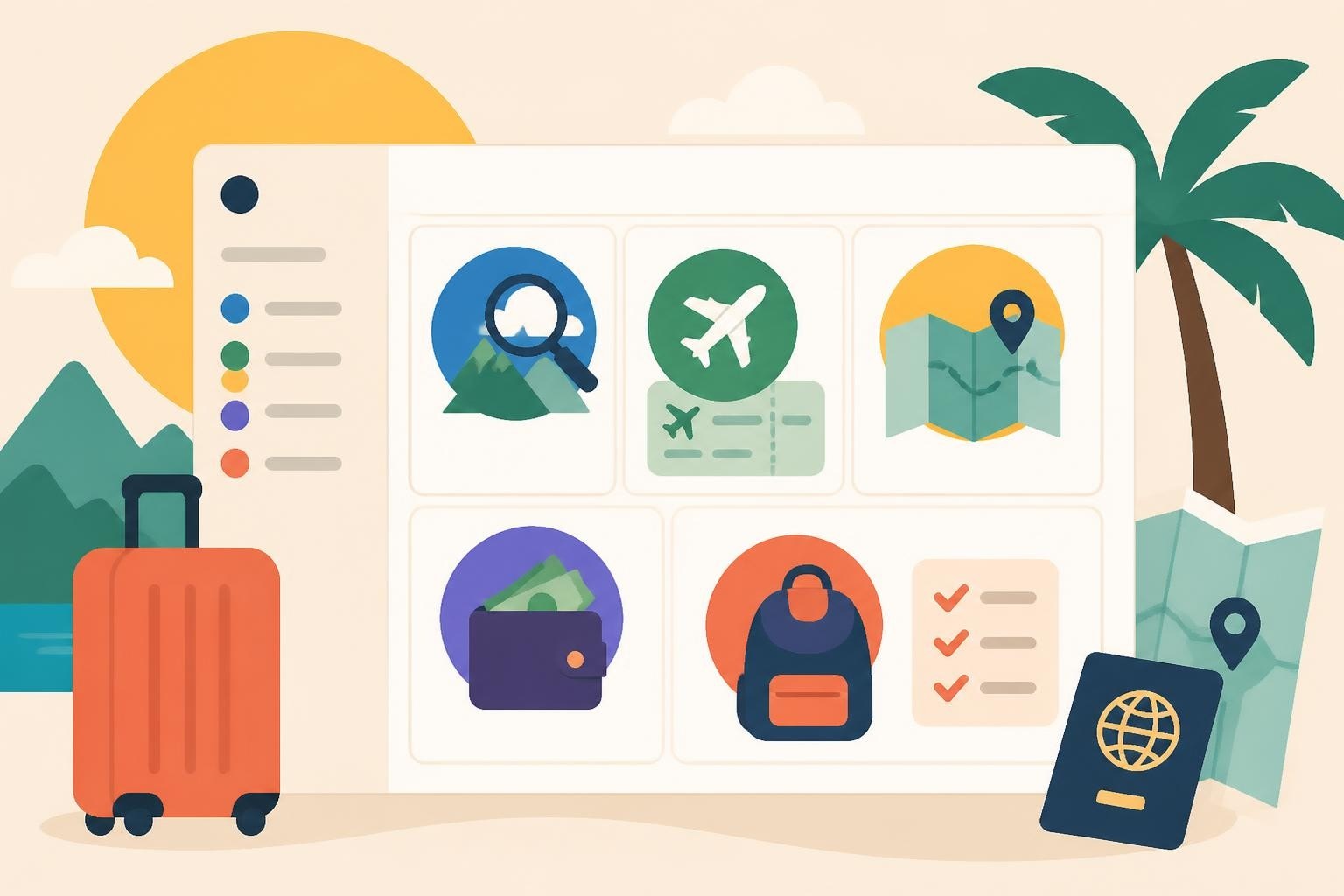
Planning your dream vacation should feel exciting, not overwhelming. Between juggling flight confirmations, hotel reservations, activity bookings, packing lists, and budget spreadsheets, it's easy to feel scattered before you even leave home. That's where a notion travel planner comes in-a single, customizable workspace where every detail of your trip lives in harmony. Whether you're organizing a multi-city European adventure, a Caribbean cruise, or a family reunion at an all-inclusive resort, Notion gives you the flexibility to plan your way.
Why Use a Notion Travel Planner?
You've probably tried a dozen different methods to organize your trips. Maybe you've scribbled notes in a physical journal, stored confirmations in multiple email folders, or toggled between five different apps just to keep track of your itinerary. Sound familiar?
A notion travel planner consolidates everything into one visual, searchable system. Instead of hunting through your inbox for that hotel confirmation at 11 PM, you'll have every reservation, phone number, and address right at your fingertips-even when you're offline.
Here's what makes Notion particularly powerful for travel planning:
- All-in-one workspace: Store research notes, bookings, budgets, packing lists, and daily itineraries in connected databases
- Offline access: Download pages before your trip so you can reference everything without Wi-Fi (learn how to use Notion pages offline)
- Customizable views: Switch between calendar, table, gallery, or board views depending on what you need to see
- Collaboration-friendly: Share your travel workspace with your travel companions or advisor so everyone stays on the same page

Building Your Notion Travel Planner From Scratch
Ready to create your own system? Let's walk through the essential components you'll want to include. You don't need to be a Notion expert-just start simple and add complexity as you go.
Create Your Master Trip Dashboard
Your dashboard acts as home base for the entire trip. This is the page you'll open first every time you want to check on something.
Start with a full-page database that lists all your trips (past, current, and future). Each trip becomes its own page with sub-databases nested inside. Include these properties:
| Property | Type | Purpose |
|---|---|---|
| Destination | Title | Main location or cruise route |
| Dates | Date range | Departure and return dates |
| Status | Select | Planning, Booked, Completed |
| Travelers | Multi-select | Who's going (yourself, partner, kids, friends) |
| Budget | Number | Total trip budget |
| Actual Spend | Rollup | Auto-calculated from expenses database |
This structure gives you a bird's-eye view of all your adventures. When you click into a specific trip, that's where the magic happens.
Design Your Trip Page Template
Each individual trip deserves its own detailed page. Think of this as your digital travel binder. Here's a framework that works beautifully:
Trip Overview Section
At the top, create a quick-reference area with:
- Destination photos or inspiration gallery
- Trip dates and duration
- Traveler names and passport expiration dates
- Emergency contacts and travel insurance info
- Trip highlights or must-do activities
Core Databases
Now add four linked databases that power your entire planning process:
- Bookings & Reservations: Track flights, hotels, car rentals, tours, and restaurant reservations with confirmation numbers, check-in times, and cancellation policies
- Daily Itinerary: Build a day-by-day schedule with morning, afternoon, and evening plans
- Budget & Expenses: Monitor what you've spent versus what you planned to spend across categories (lodging, food, activities, transport)
- Packing List: Organize items by category (clothing, toiletries, electronics, documents) with checkboxes
The beauty of linked databases is that information flows between them. When you add a hotel booking, it can automatically appear in your daily itinerary and budget tracker.

Professional travel advisors have mastered the art of organization, and you can borrow those same strategies for your Notion system. When you work with Travel with Sarah, you'll receive expert guidance that helps you compare options, understand the details, and feel confident about every booking-which translates into a travel planner that's filled with well-researched, perfectly timed reservations.
Capture Research and Ideas
Before you book anything, you're going to do a lot of research. Your notion travel planner should have space to capture all those "maybes" and "possibles."
Create a Research & Ideas database where you can save:
- Restaurant recommendations from food blogs
- Activity options with pricing and reviews
- Accommodation alternatives you're comparing
- Articles and guides you want to reference later
Add a "Status" property (Considering, Researching, Decided, Booked, Ruled Out) so you can track what moves from possibility to confirmed plan. This prevents that frustrating moment when you remember seeing the perfect restaurant recommendation but can't remember where you saved it.
Many travelers find inspiration from travel planning guides that outline route options, pacing strategies, and booking timelines-all of which you can translate into your Notion workspace as you make decisions.
Advanced Features That Elevate Your Travel Planner
Once you've got the basics down, these next-level features will make your notion travel planner even more powerful.
Sync with Google Calendar
Your flight times, hotel check-ins, and booked activities need to appear on your actual calendar. Rather than manually duplicating everything, you can integrate Notion with Google Calendar using Zapier to automatically push itinerary items to your calendar.
This two-way sync means:
- Flight times automatically create calendar blocks
- Activity bookings show up with reminders
- Changes in Notion update your calendar (and vice versa)
- Your travel companions see updates in real time if you share the calendar
Build a Master Packing Template
After a few trips, you'll notice you pack many of the same things. Create a master packing list template with categories like:
Electronics & Gear
- Phone and charger
- Camera and extra battery
- Power adapter (international trips)
- Headphones
Documents & Money
- Passport and copies
- Travel insurance cards
- Credit cards and cash
- Vaccination records
Clothing (Climate-Specific)
- Warm weather template
- Cold weather template
- Business travel template
- Active/adventure template
When planning a new trip, duplicate the relevant template and customize it. Check items off as you pack, and you'll never forget your phone charger in the hotel room again.

Track Loyalty Programs and Confirmation Numbers
Frequent travelers accumulate loyalty numbers, TSA PreCheck credentials, and hotel reward memberships. Create a separate Travel Profile page in your notion travel planner where you store:
| Program | Number | Login | Expiration | Notes |
|---|---|---|---|---|
| Airline Rewards | XXX-XXX-XXX | email@domain.com | N/A | Status: Gold |
| Hotel Loyalty | 123456789 | email@domain.com | N/A | Free night available |
| TSA PreCheck | KTN123456789 | – | Dec 2029 | Always add to bookings |
| Passport | AB1234567 | – | Jan 2028 | Renewal needed 6mo prior |
Reference this page every time you book so you never miss an opportunity to earn points or skip the security line.
Create a Trip Memory Archive
After your vacation ends, don't just abandon your notion travel planner. Transform it into a beautiful memory archive by adding:
- Photo galleries organized by day or location
- Restaurant reviews and favorite meals
- "Would Do Again" and "Skip Next Time" lists
- Expense analysis (where did the money actually go?)
- Recommendations for friends who ask about the destination
This post-trip reflection serves two purposes: it helps you relive the experience, and it creates a reference library for future trips to the same destination or similar travel styles.
Using Notion Templates to Fast-Track Your Setup
Don't want to build everything from scratch? The Notion template gallery offers dozens of pre-built travel planners you can duplicate and customize in minutes.
Look for templates that include:
- Multi-trip dashboards if you travel frequently
- Budget trackers with automatic calculations
- Packing list templates for different trip types
- Itinerary builders with timeline views
Pro tip: Duplicate a template, then spend 15 minutes customizing the properties and views to match how you actually think about travel. Remove what you won't use, add what's missing, and adjust the layout until it feels intuitive.
If you're planning something truly special-like a honeymoon, milestone anniversary trip, or multi-generational family vacation-the planning process itself deserves expert guidance. Working with an experienced travel advisor means someone else handles the complex research, supplier coordination, and booking details while you focus on the exciting parts. Your Notion workspace then becomes the place where you track the final itinerary and prepare for departure, rather than the place where you drown in decision fatigue.
Practical Tips for Using Your Notion Travel Planner
Before You Book Anything
Start filling in your notion travel planner the moment you decide on a destination. Even if dates aren't confirmed yet, you can:
- Create the trip page with tentative dates
- Start a research database for accommodations, activities, and restaurants
- Build a preliminary budget based on step-by-step trip planning frameworks
- Note questions you need to answer before booking
This early-stage planning prevents impulse bookings and helps you spot patterns (like "all the hotels I love are in the same neighborhood" or "these activities would be better on different days").
As You Book
Every time you confirm a reservation, immediately add it to your Bookings database with:
- Confirmation number
- Cancellation policy and deadline
- Check-in/check-out times or flight numbers
- Contact information
- Payment method used (helpful for credit card travel insurance claims)
Attach the confirmation email as a PDF or paste the confirmation into a text block. Even if you have emails, having everything in one place beats searching through your inbox while you're standing at a hotel desk.
One Week Before Departure
This is when your notion travel planner really shines. Spend an hour to:
- Download all pages for offline access
- Double-check confirmation numbers against current reservations
- Verify passport expiration dates and travel document requirements
- Review packing list and shop for any missing items
- Share itinerary page with emergency contacts back home
- Print or save PDF backup of critical info (flights, lodging, insurance)
Many travelers also create a Trip Day Checklists section with day-before and departure-day tasks (charge devices, print boarding passes, set mail hold, adjust thermostat, arrange pet care).
Managing Links During Travel
When you're on the road, you'll likely capture restaurant recommendations, activity links, and local resources you want to remember. Here's where a tool like Trimy can help you organize and track those discoveries. Rather than losing valuable links in scattered browser tabs or messages, you can use a link management platform to categorize finds by trip, test different URLs for booking sites, and analyze which resources were most useful-helping you build a smarter reference library for future adventures.
Collaborating on Group Travel
Planning a trip with friends, family, or a travel group? Your notion travel planner becomes a shared command center.
Set permissions wisely:
- Give full edit access to co-planners who are actively making decisions
- Provide comment-only access to travelers who just need to stay informed
- Create a public share link for view-only access (great for extended family who want to know the itinerary)
Divide responsibilities:
Create an "Assignments" database where you track who's handling what:
- Research flights → Sarah
- Book accommodations → Mike
- Plan daily activities → Jennifer
- Track budget → Tom
Each person can update their sections, and everyone sees progress in real time. No more "I thought you were booking that" moments.

Customizing for Different Trip Types
Your notion travel planner should flex to match the kind of travel you're doing. Here's how to adjust:
Cruise Vacations
Add properties specific to cruising:
- Ship name and cabin number
- Port schedule with arrival/departure times
- Shore excursion bookings and meeting points
- Dining reservations and seating times
- Onboard credit balance tracking
Create a port-by-port database that includes what you're doing in each destination, how long you have, and whether excursions are pre-booked or exploring independently.
All-Inclusive Resorts
Focus your planner on:
- Included versus à la carte activities
- Restaurant reservation schedule
- Spa and special experience bookings
- Day trip or off-resort excursions
- Items to pack that aren't provided
Since meals and basics are covered, your budget tracker shifts to tracking extras like premium dining, spa services, and souvenir shopping.
Multi-City Tours
Emphasize the itinerary and logistics:
- Transportation between cities with confirmation numbers
- Accommodation details for each stop
- Walking routes and public transit notes
- Language phrases and local customs
- City-specific activities and timing
A calendar view becomes essential here so you can visualize the flow and catch scheduling conflicts before they become problems.
Custom Independent Travel
When you're designing a completely custom itinerary, your research database gets more complex. Track:
- Multiple accommodation options per destination with pros/cons
- Activity timing and whether advance booking is required
- Transportation options between locations
- Backup plans for weather-dependent activities
- Local contact information (tour operators, guides, drivers)
This is also where working with a knowledgeable travel advisor saves countless hours of research-they've already vetted suppliers, understand timing logistics, and know which bookings need to happen first.
Maintaining Your Travel Planner Long-Term
Your notion travel planner isn't just for one trip. Build it as a system that grows with you.
Create an annual travel dashboard that shows:
- All trips for the year in timeline view
- Total annual travel budget versus spending
- Vacation days used and remaining
- Destinations visited (with map visual if you're ambitious)
Archive completed trips but don't delete them. Move them to a "Past Trips" section where they become:
- Reference material for return visits
- Inspiration for similar future trips
- Evidence of favorite suppliers and vendors
- Memory archives with photos and reflections
Over time, you'll build a personal travel library that captures not just where you went, but how you planned, what worked, what didn't, and what you'd do differently next time.
For developers who want even more customization, the official Notion SDK on GitHub enables programmatic access to your workspace-perfect for building custom automations, importing data from other systems, or creating scripts that update multiple trip pages at once.
Making Your System Work for You
The best notion travel planner is the one you'll actually use. Don't overcomplicate things trying to create the perfect system. Start with the basics:
- One master trip database
- Bookings, itinerary, budget, and packing sub-databases
- Simple properties that capture what matters to you
Then evolve it based on real trips. After your first vacation using Notion, you'll discover what you referenced constantly and what you never touched. Adjust accordingly.
Maybe you realize you never look at the budget tracker but constantly check packing lists. Great-expand the packing features and simplify the budget. Perhaps you're screenshot-happy and need more gallery views for inspiration. Add them.
Your travel style is unique, and your planner should reflect that. The flexibility of Notion means it adapts to you, not the other way around.
Real-world examples can inspire your setup. Travel productivity experts like Marie Poulin have shared detailed walkthroughs of how they structure places, activities, budgets, and itineraries inside Notion-giving you a peek at battle-tested systems you can adapt for your own adventures.
A well-organized notion travel planner transforms how you experience travel-reducing stress, preventing forgotten details, and giving you more mental space to actually enjoy your vacation. Whether you're planning a quick weekend getaway or a month-long international adventure, having all your information in one accessible, offline-ready workspace means you can focus on making memories instead of hunting for confirmation numbers. If you're ready to plan your next incredible trip without the overwhelm, Travel with Sarah provides the personalized guidance and expertise that takes the stress out of vacation planning, so you can confidently book the perfect experience for you and your loved ones.
Leave a Reply